



Most service members meet DPS for the first time a few weeks before a PCS. It is not complicated once you know its job: it is the record of your shipment from request to delivery.
What DPS is for
DPS is the system the Department of Defense uses to set up household goods shipments. Military OneSource lists it among its featured tools and links to it from its moving pages. Think of it as the file for your move: dates, shipment type and the people involved are tied to it.
Before you log in
Have your orders ready, since the move is tied to them. Contact your installation transportation office or Personal Property Office first, because counseling comes before booking and the counselor can tell you which shipment type fits. If you are weighing a PPM, read government move vs PPM before your appointment.
What you typically do in the system
- Confirm your personal details and your move dates
- Choose or confirm the shipment type with your counselor
- Review the pickup and delivery details
- Keep the confirmation and share dates with your family
- Return later to follow the shipment and, if needed, report problems
Keep your own records too
A system record does not replace your own folder. Save screenshots or printouts of confirmations, the inventory from pickup, and the names of the people you spoke with. If dates change, write down who changed them and when. Calm, dated notes make any later conversation with your transportation office shorter.
Where O'Brien's fits
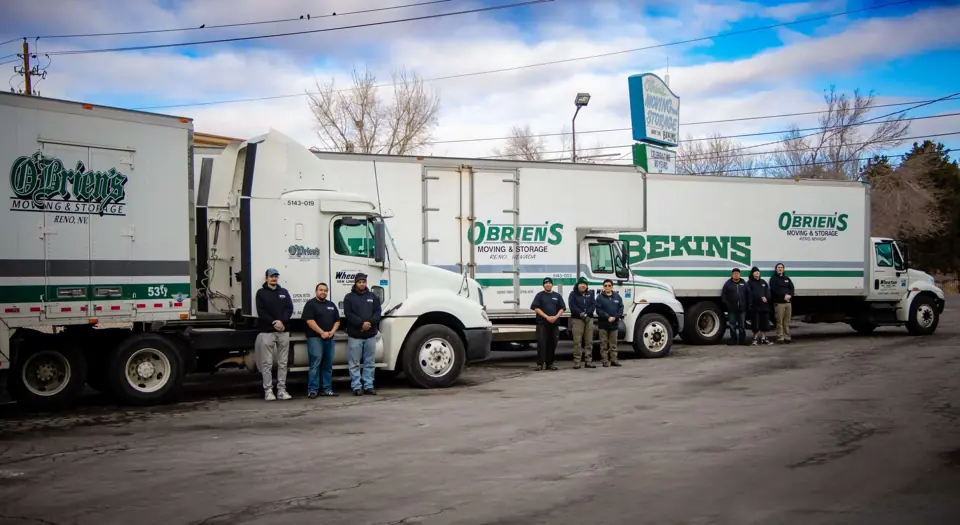
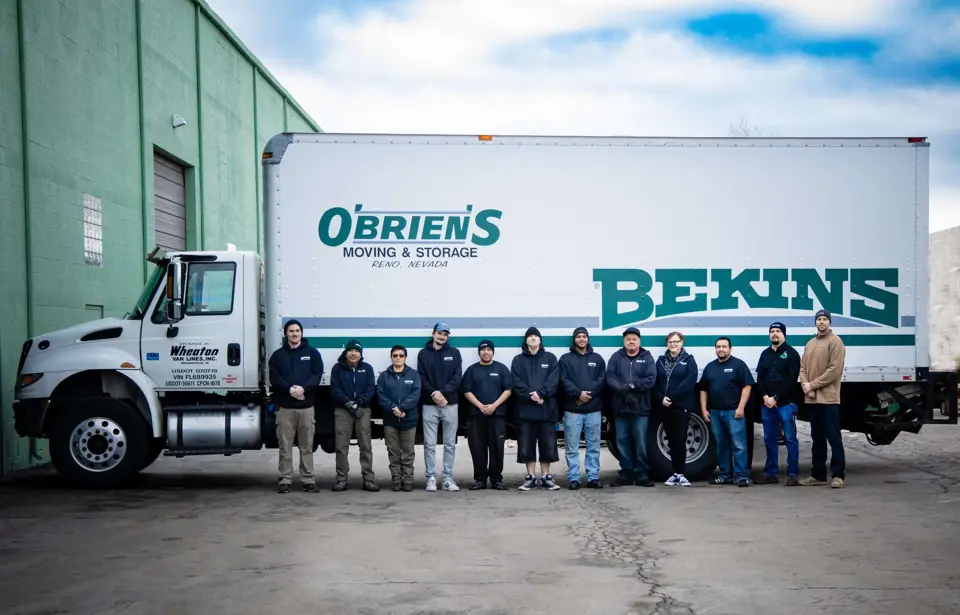
O'Brien's is DOD approved to move and store military household goods. Government-arranged shipments are assigned through DPS and your transportation office, so DPS is where those moves are set up. When you arrange something yourself, such as a PPM or storage between homes, call the Sparks office at 775-359-6683, Monday to Friday, 8 am to 5 pm.
Our wooden vaults measure 7 ft x 7 ft x 5 ft, with vault storage from $40 per month, and about 2 to 3 weeks notice ships your stored goods out. Read storage for military households for the details.